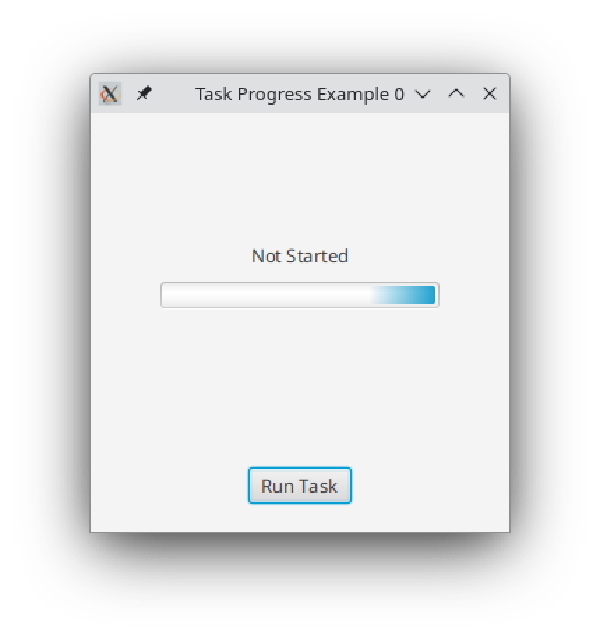
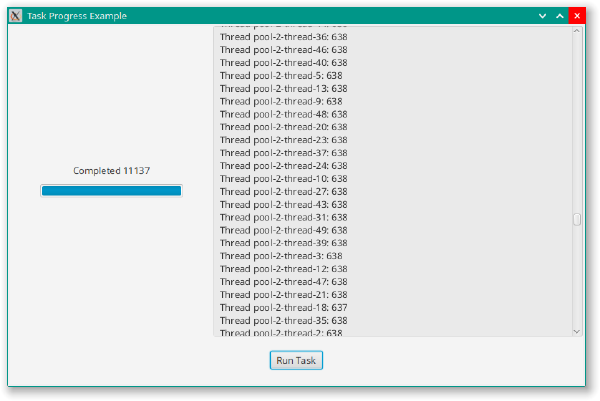
All of the JavaFX Nodes and Observables are not thread safe. Instead JavaFX provides a dedicated thread called the “FX Application Thread” or “FXAT” which needs to be used whenever you update any of these objects.
This is probably the subject that trips up beginners the most. Not that you have to use the FXAT for updates, but that you should never use the FXAT for long or blocking jobs. This can be easy to skip, because development and testing environments often do not have real domain setups that actually respond in the same time frames as live environments. The result is that everything works fine until you release your application, then it flops in production.
The good news is that JavaFX provides a tool to deal with all of this: Task. Essentially, Task is an abstract class that implements Runnable and Future<V>, which means that you can instantiate an anonymous inner class based on it and pass it to the constructor of Thread. Then you can call whatever code you’ve configured the Task to run through Thread.start() which, by definition, is running off the FXAT.
On top of that, Task contains all of the tools that you need to connect it back to the FXAT. You can monitor progress while the Task is running from the FXAT, and you can specify code to run on the FXAT when the Task completes.