The JavaFX Nodes

Table of Contents

JavaFX nodes
#

There are large amount of classes in JavaFX arranged in a hierarchy starting with a top level class called, Node. There are a number of layout classes that all work differently, such as BorderPane, ScrollPane, HBox, VBox, GridPane and StackPane which can all be embedded inside of each other to create exactly the layout you want.

There are classes to display images, text or text and images together. ListView, TreeView and TableView allow collections of data to be displayed on screen (and edited) in highly customizable ways.

For user input, you can choose from TextField, ComboBox, ChoiceBox, Spinner, Checkbox, RadioButton, Buttons and ToggleButtons.

All of these Nodes have a large number of methods and properties for controlling their presentation and how they act. Learning how to use them and configure them can be a daunting task. Luckily, most of the tutorials on the web seem to focus on this aspect of JavaFX, so help is easy to find.

The Articles:
#

The following articles each deal with single Node type or a group of similar Nodes:

Layout Classes 101

18 mins

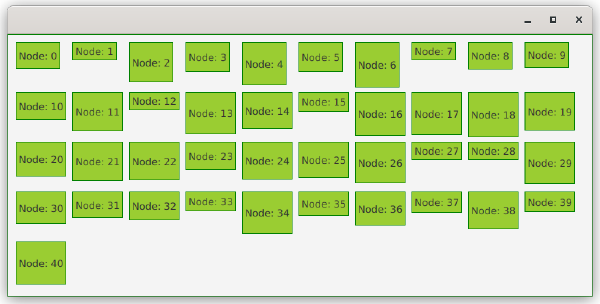
In order to put anything onto the GUI you’ll need to use one of the layout Nodes to control how the screen is organized. There are a variety of different layout classes, each of which handles the organization of its content differently.

This article gives you a summary of how each different layout class works, and explains how each one differs from the others.

All About Buttons

12 mins
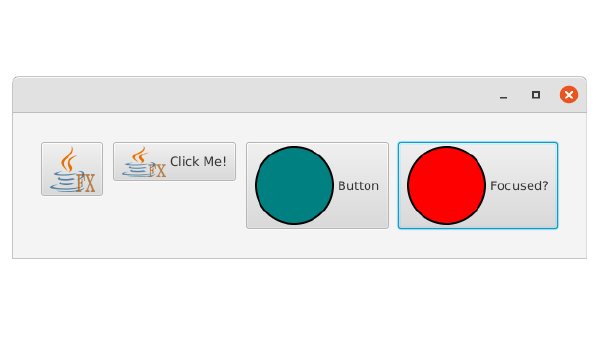
Buttons are the basic component that triggering actions in your applications. While there is just one basic Button class, it can be styled and configured in a multitude of ways that make it look and behave quite differently to suit a variety of uses.

Understanding the ComboBox

13 mins
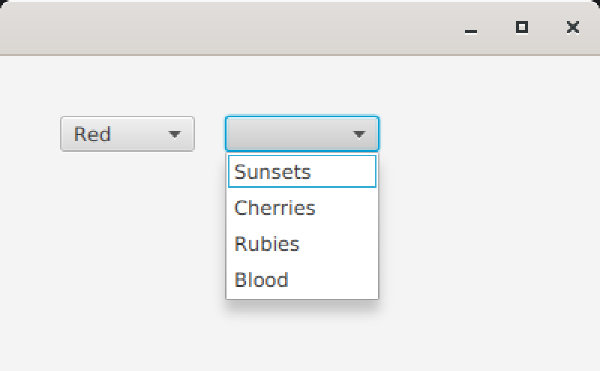
The ComboBox is the classic “choose from a list” screen widget that you see everywhere. In JavaFX, the ComboBox is a fairly complex structure that involves a TextBox and a ListView tied together. In this article you’ll learn how to configure the ComboBox to fit a variety of uses.

All About TextFormatter

3 mins
TextFormatter is the coolest JavaFX feature that you’’ve probably never heard of. With TextFormatter you can turn any TextField or TextArea into a customized data entry field that will accept only a specific kind of input and bound directly to any type of Property in your Data Model. You can create TextFields for Numbers, Dates, Phone Numbers or Postal Codes. Really, anything you can think of.

TableView Basics

19 mins
What is a TableView and how do you use it? Here’s enough information to get you started with TableView the right way.