
Don't Use FXML
Table of Contents
The popularity of FXML frustrates me.
Not so much because FXML is bad. It does what it does about as well as you could expect.
But because of two things…
Claims That it Does Much More Than it Actually Does#
There are lots of claims (or beliefs, if you like) that FXML creates a meaningful “separation of concerns”, that it provides the “View” and “Controller” in Model-View-Controller, and that its “declarative structure” simplifies applications.
Phooey!
It doesn’t do any of these things.
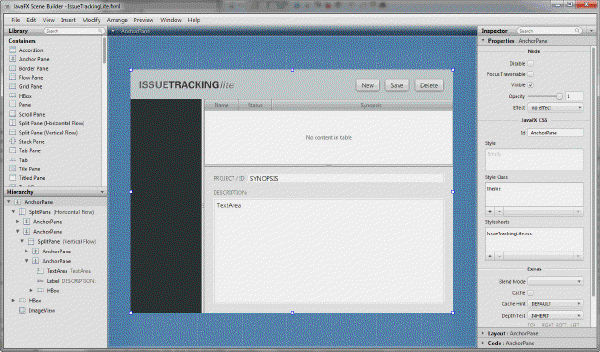
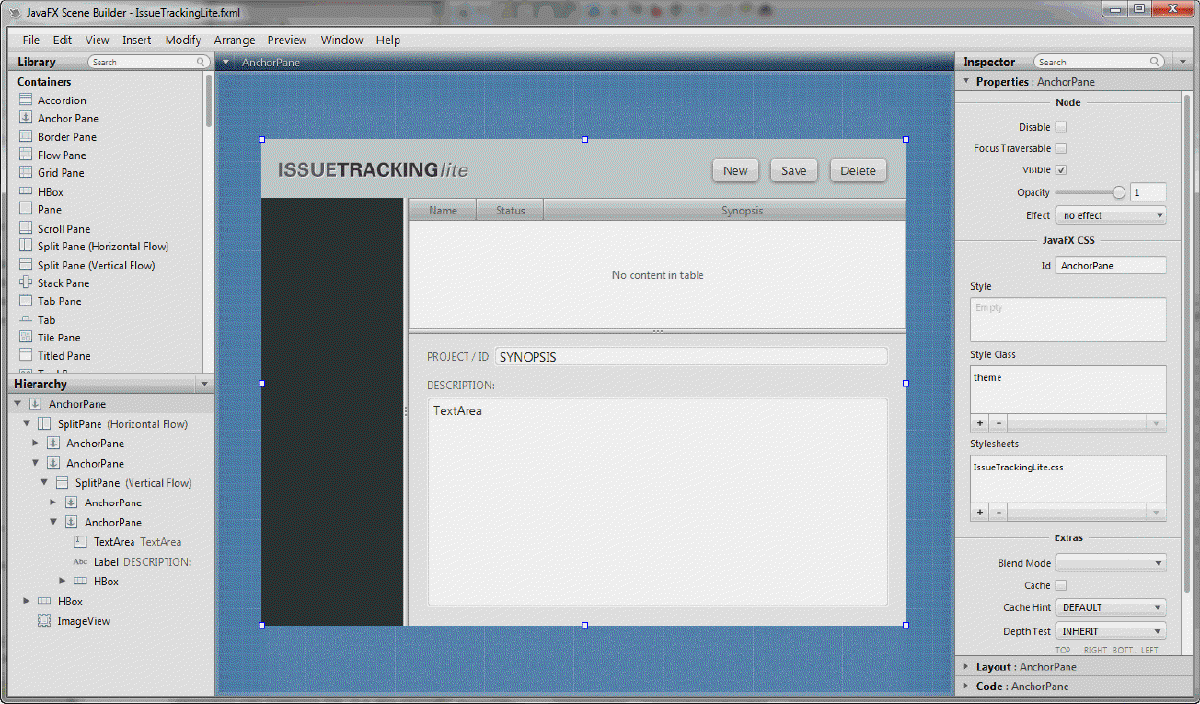
It does one thing, and one thing only: It lets you use SceneBuilder.
In my opinion, that’s not really that much. Yes, SceneBuilder is drag and drop design that lets you see how the screen will look (mostly!) as you build the layout. But how valuable is that? In my experience, not much. I can cycle through test runs of a hand coded screen just about as fast as someone can do the same in SceneBuilder, and I’ve actually got working code at the end.
But the cost of using SceneBuilder…
FXML Makes Everything Else More Complex#
Over the years, it has become clear to me that dealing with the output of SceneBuilder, which is FXML, complicates every other aspect of your application.
If nothing else, the mysterious nature of FXMLLoader confuses every single beginner that ever started their JavaFX journey using it. No beginners understand how it works. None.
And heaven forbid you want to have a custom constructor for your FXMLController with passed parameters. Now you’ve got to create ControllerFactories and do even more unfathomable things to make it work. And the beginners are getting shell-shocked.
And don’t forget that you cannot do anything meaningful with FXML without having a custom constructor for the FXMLController. At least, not if you want to use some framework properly.
The net result is that virtually every example of FXML + FXMLController that you find on the web ends up with the FXMLController ends up being a “God class”, doing all of the application logic. And that means that is what every beginner does, and they think that’s the way it’s supposed to be.
In my opinion, the cost of FXML outweighs the dubious benefits of SceneBuilder - which, by the way, is virtually useless as a beginner learning tool - and I suspect that many, many beginners to JavaFX have just given up out of frustration.
So, don’t use FXML.
Just write your layouts in code. It almost sounds crude, but it’s easy, it works and it can result in much simpler applications.
FXML is NOT Model-View-Controller
18 mins
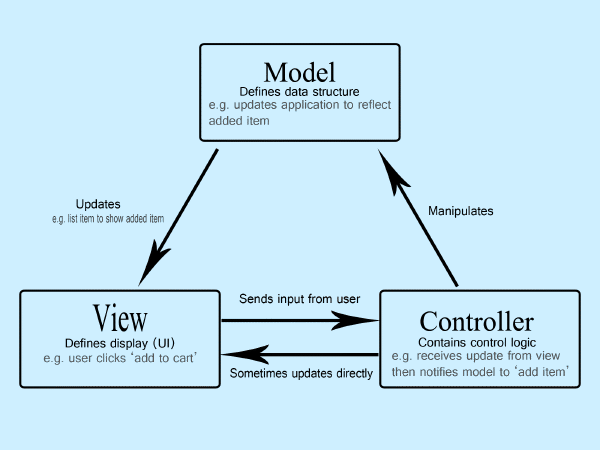
Lots of programmers and websites think that FXML instantly gives them a step up on Model-View-Controller, with the FXML File yielding the View and the FXML Controller acting as the Controller. We’ll look at why this isn’t correct, and how you should implement FXML in the context of MVC.
How to Write a JavaFX Screen without FXML & Scene Builder
16 mins
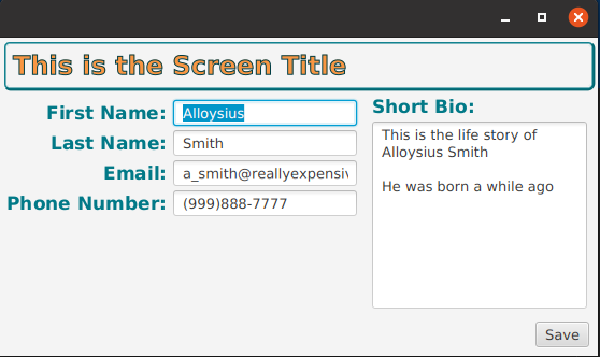
I’ve always advised that Scene Builder and FXML are a waste of time, and that you should just write your screens in Java code.
It’s easier to build, it’s easier to customize, easier to maintain, and much, much easier to do really sophisticated things. But how do you start?
It’s easier to build, it’s easier to customize, easier to maintain, and much, much easier to do really sophisticated things. But how do you start?
Converting FXML to Code
47 mins
I’ve talked a lot about how coded layouts are better than FXML. In this article we take a fairly large FXML based layout which is part of a larger project, convert it to code, and implement a framework using a Reactive design. Is the final result better than FXML? See for yourself.